Bad Times AI Video Generator
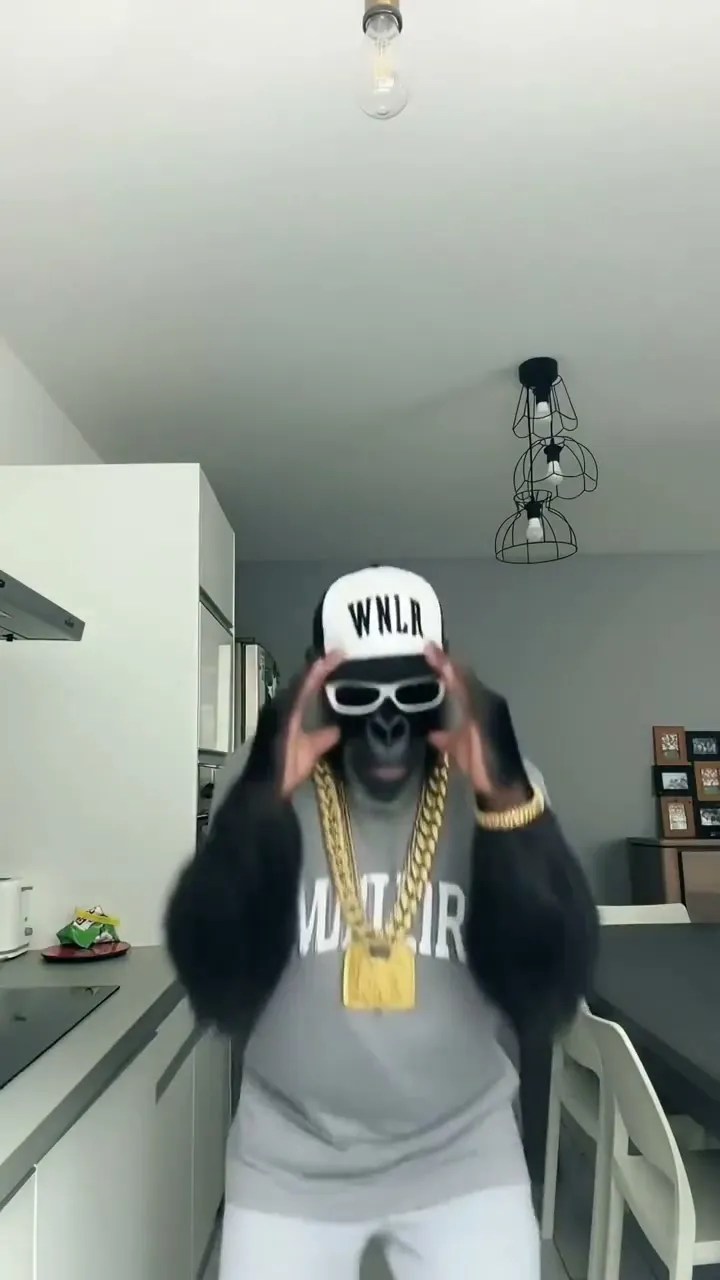
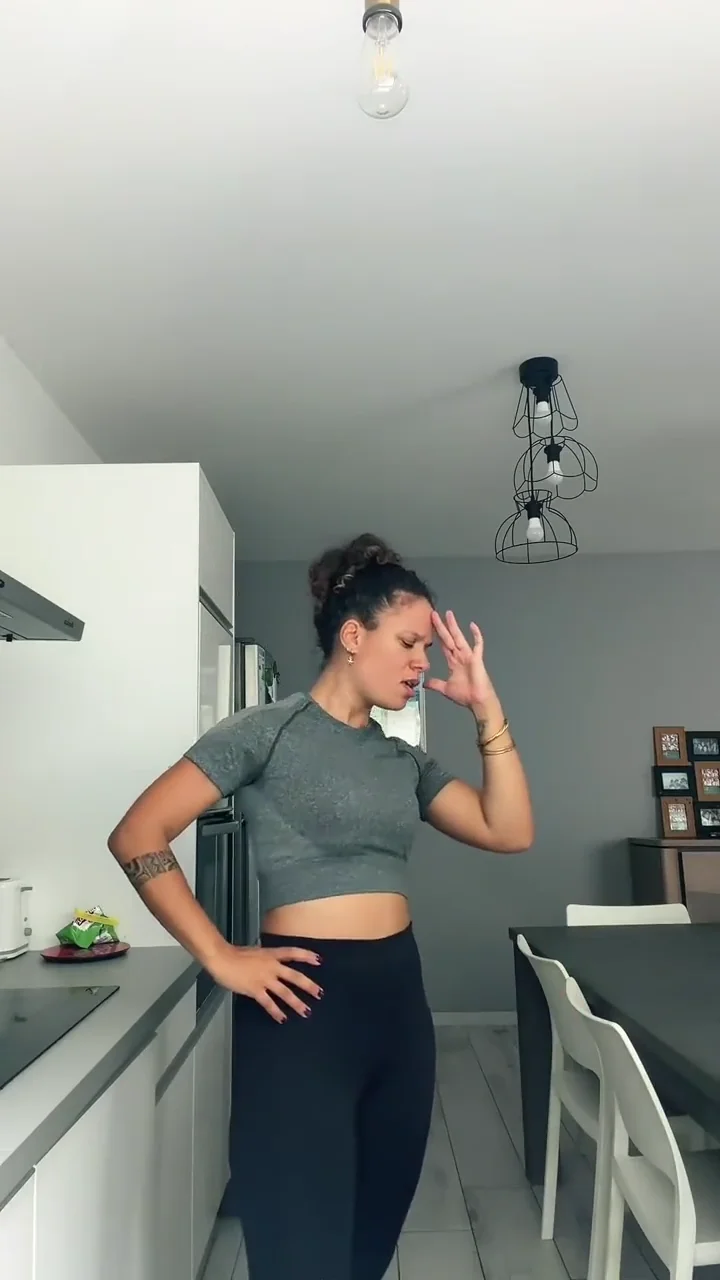
Join the Bad Times trend in a kitchen lip-sync scene. One photo replaces the woman in the gray-green top in an approximately 30-second vertical 9:16 performance, with the template’s gestures and soundtrack.
150 credits per video
MAKE IT YOURS.
1 PHOTOBad Times
01 /Your cast
0 / 1 ready
The lip-sync performer
Replaces the woman in the gray-green top in the kitchen.
Add a photo for the lip-sync performer.
Your photo replaces the woman in the gray-green top in the kitchen lip-sync scene. The performance and soundtrack follow the template; AI may still change the kitchen, props, or details.
02 / The template
Reference preview
Watch reference video03 / Your output
- 9:16
- Vertical
- 720p
- 720 × 1280
- ≈ 30 sec
- 24 fps
Your photo stays on this device until you generate. It is then shared securely with our AI service. Data handling
Photo recovery is available in this browser for 24 hours. Expired copies are cleared when you next open the studio. Photos upload only when you confirm generation. Removing a photo clears its local copy.
Save an idea on this device
Drafts save your notes and crop settings on this device, without your photo. Notes are just for you.
Compare the Bad Times AI sample and original lip-sync
The comparison above shows a stitched gorilla AI sample beside the original kitchen reference, not a result made with your photo. Your photo replaces the woman in the gray-green top. AI can still change the kitchen, props, hands, facial details, or lip-sync timing.
150 credits is the backend unit for one Bad Times generation. Review availability and the current quote before you start; credit packs can cover different numbers of complete videos.
If generation fails without a deliverable video, the reserved credits are returned. Check My videos and credit history for the return status. This is a credit return, not a refund to your payment card.
See credit packsMake your Bad Times video in three steps
Choose and crop one photo
Upload a clear photo of one consenting adult or an upright character or pet. Frame the face, shoulders, and torso. The crop preview stays on your device until you generate.
Check the price and generate
Use Google or Continue to create if offered, confirm permission to use the photo, and review availability and the current 150-credit quote. Buy credits if needed, then confirm your Bad Times video when generation is available. Continuing without Google does not include free credits.
Watch and download
Once the task appears in My videos, you can leave and return with the same account. Watch the finished performance and download your video there.
Photo tips for a clearer replacement
Use one upright subject with an evenly lit, clearly visible face and a waist-up or full-body view. Avoid group photos, heavy filters, sunglasses, blur, and steep angles.
Choose JPG, PNG, or WebP up to 10 MB, with each side at least 300 pixels and no more than 20 megapixels in total. Check the crop before generating.
Use a photo you have the right to use. Any real person must be a consenting adult. Upright pet portraits can be playful choices, but four-legged poses may not fit the human gestures or lip-sync.
More trend templates
 Original template preview
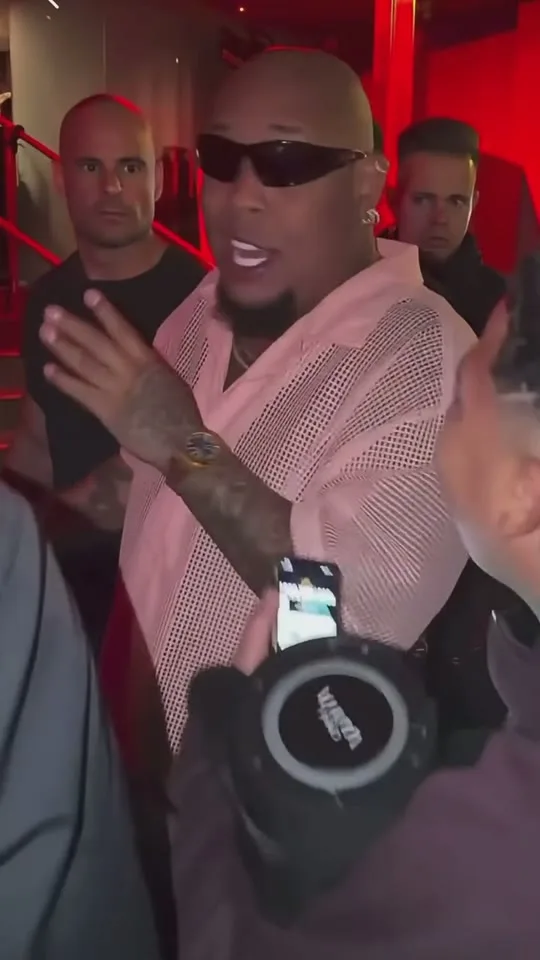
Bulin 47
Replace the lead character in the 23-second Bulin 47 freestyle, with the template’s performance and soundtrack.
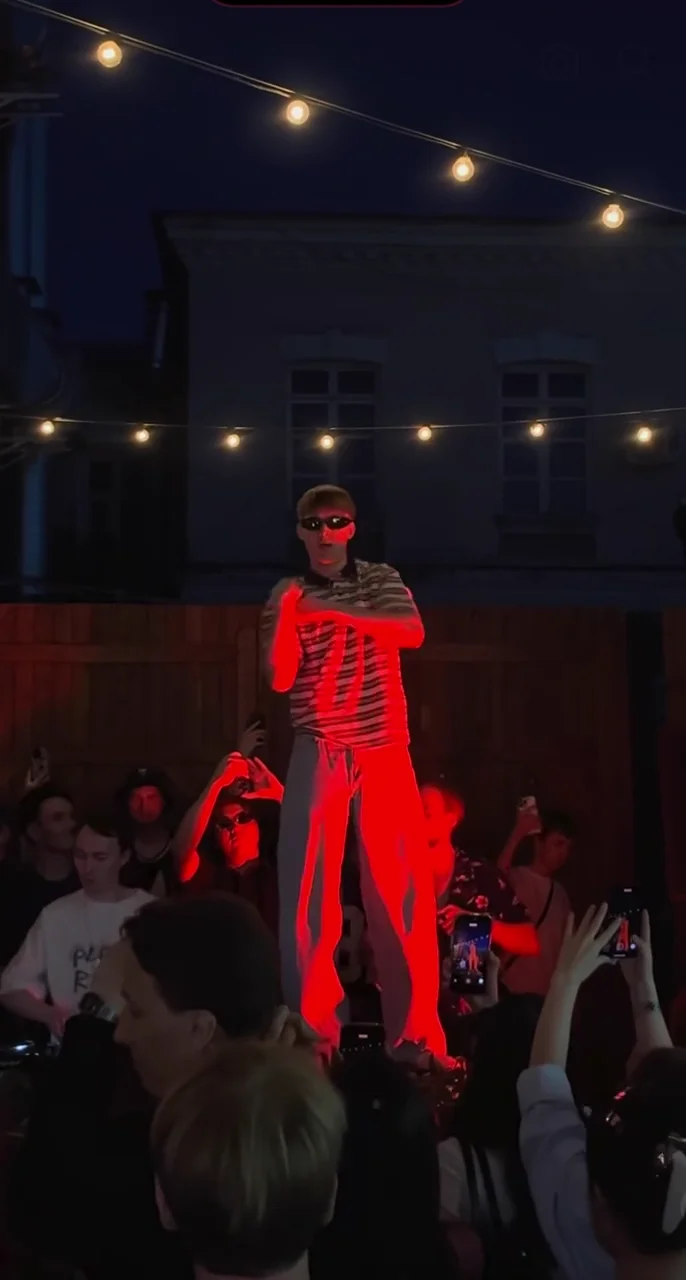 Original template preview
Cheba Man
Put your photo on the red stage in the 17-second Cheba Man dance, with the template’s performance and soundtrack.
Bad Times AI video questions
Do I have to use Google?
You can prepare your photo without signing in. Google sign-in remains an option. If the page offers Continue to create, you can buy credits and create videos in this browser without a Google account. This does not include free credits. If that option is absent, use the sign-in option shown. Buying credits does not start a video: return to the studio and confirm generation.
Can I recover my account and photo by email?
Email recovery is available only when the recovery option is shown. A one-time link opens the linked guest account and its credits and saved videos; it does not combine accounts with the same email. Google accounts continue to use Google. Requesting a link or the email provider accepting a message does not confirm inbox delivery. Your selected photo and crop are kept separately in the original browser for up to 24 hours. Email recovery cannot restore that local photo on another device or after browser data is cleared.
What does the Bad Times AI video generator do?
It uses one photo to replace the woman in the gray-green top in the Bad Times kitchen lip-sync scene. The template supplies the performance, timing, and soundtrack.
How much does one Bad Times video cost?
One Bad Times generation uses 150 credits as its backend unit. Pack prices and the number of complete videos they cover vary; check credit packs and the current quote before generating.
How long is the finished video?
The Bad Times template is an approximately 30-second vertical 9:16 video at 720 × 1280 pixels (720p HD). The length and output format are fixed.
Which photo should I choose?
Choose one consenting adult or an upright character or pet, with the face, shoulders, and torso visible in good light. Ordinary four-legged poses may not match the kitchen lip-sync performance.
Which image files are supported?
Use JPG, PNG, or WebP up to 10 MB and 20 megapixels, with both sides at least 300 pixels. Preview the vertical crop in the tool before you generate.
Does selecting a photo upload it immediately?
No. Selecting and cropping a photo happens in your browser. Confirming generation uploads the crop to private storage and gives the AI service temporary access to process it.
Can I change the lip-sync, kitchen, or soundtrack?
No. The Bad Times template fixes the performance, scene, soundtrack, length, and vertical format. Draft notes are personal reminders and do not change the generated video.
Can I close the page while my video is being made?
Yes, once the task appears in My videos. Return with the same account to check progress, watch, and download it. Processing time varies with service availability and workload.
What happens if generation fails?
If generation fails without a deliverable video, the reserved credits are returned. Check the task and credit history for the actual status. Returned credits are separate from a refund to your payment card.
Will my face, lip-sync, and the kitchen look exactly the same?
Exact identity, lip-sync, and background preservation are not guaranteed. AI can change facial details, hands, timing, or props. Watch the full result before sharing.
Can I use the finished video commercially?
You need the necessary rights to the photo, likeness, and any soundtrack or other third-party material. Generating a video does not grant an artist’s endorsement or unlimited commercial music rights.
Independent project. Not affiliated with or endorsed by Bad Times or any artist.